

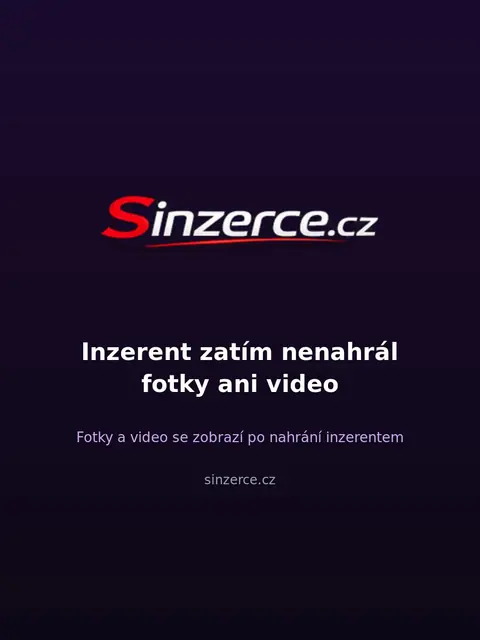
Why the admin didn't approve your photo on Sinzerce.cz
Why the admin didn't approve the photo
The administrator on our portal manually approves every profile and all newly added images. The profile is published on the website only when it contains at least one approved photo or video. If your image did not pass, it is usually related to the rules for media appearance and quality.
The Sinzerce.cz portal watermark is automatically added to approved photos and videos. The main reason for rejection is usually a third-party logo placed on the image. Photos with a third-party logo are not published here at all. Therefore, check the source file you are sending at registration.
Most common reasons for rejection
In addition to watermarks and third-party logos, content and overall display quality also play a role. Text changes and new photos in an active profile are always displayed only after approval by the administrator. If the system or check detects discrepancies, the image will not pass. This applies to categories such as private apartments as well as other offers.
The administrator will reject any image that does not meet our internal advertising standards. Sometimes it is due to low sharpness or an unsuitable format. In such a case, you must upload a different file. Check out profile transfer to find out how to transfer the correct data from another website.
How to adjust the photo before uploading
Before trying to upload again, make sure your image does not contain any third-party text. The system will add our portal's watermark itself after approval. Therefore, avoid any edits in graphic editors that would add foreign branding. A clean and sharp image has the best chance of quick approval.
Remember that multimedia also affects the correct order in the listings. First, the system shows profiles with a video, then verified ones with a photo, and subsequently regular profiles with a photo. Moreover, a profile with a video has its own circle in the stories on the homepage. All you need to do is upload a short video 10 to 20 seconds long filmed directly from your phone.
What to do after rejection
If the administrator did not approve your photo, don't panic and try uploading another one. Once the admin approves the profile, you automatically get 3 days with visible contact details for free as a trial period. Service prices are not published on the website and are only disclosed over the phone. Subsequent membership costs 499 CZK per month, which is an introductory price compared to the standard amount of 2,100 CZK.
If you don't know what to do with a specific rejected image, write directly to our e-mail. Messages from the website manager arrive in the Messages section in your profile and can be replied to. If you have further questions, contact support at [email protected] and the administrators will be happy to help you adjust your profile.