

Discreet Video Without Face – What to Film and What to Avoid on Sinzerce.cz
What to Include in the Video to Keep It Anonymous
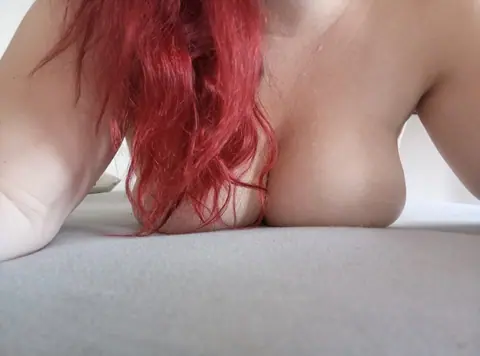
The video should show your body from the neck down. Avoid shots where your face, hair, or other identifying features are visible. Make sure the lighting is even so that details are clear even with lower mobile quality. Ideally, film a 10–20 second clip where you move slowly and naturally, such as light stretching or gentle touches.
Make sure there are no identifiable objects in the background – no posters, addresses, or unique decorations. If you use a filter, choose a neutral one that doesn't alter skin tones. Such a video meets discretion requirements and can be easily approved by the administrator.
What to Avoid to Prevent Rejection
Avoid shots where any part of your head appears – even if covered with a scarf, it may be considered a violation of the rules. Don't use logos or brands that could reveal your identity or another portal. It's also forbidden to film in environments where public places are visible (e.g., streets, restaurants).
Don't include any sexual activities in the video unless you're in the "porn actress" category. For non-sexual massages (NO SEX), it's enough to show just the technique and atmosphere. Videos with inappropriate content will be rejected and will need to be edited.
Technical Requirements and Benefits of Video on Sinzerce.cz
Profiles with video are placed first in listings and get their own circle in the stories on the homepage. Just upload a 10–20 second recording from your phone. After administrator approval, a Sinzerce.cz watermark is added to the video, which protects copyright and ensures the video won't be used elsewhere.
Video increases your chance of being contacted because it appears before the text description. Additionally, after the trial period, if you make your first payment, you'll get a month of PREMIUM, which means priority placement in listings. Service prices are not published on the website; they are communicated by phone.
How to Transfer an Existing Ad and Add Video
If you already have a profile on another portal, you can easily transfer it. Enter the link to your existing profile and the system will automatically import photos, videos, description, services, and measurements. More information can be found at profile transfer. After uploading video and photos, it awaits administrator approval, which usually happens within the 3-day trial period.
Registration is free and takes just a few minutes. You can find the form at registration. After approval, the profile is published if it has at least one photo or video. If you want to know how to properly set up your text and services, check out how to advertise correctly.